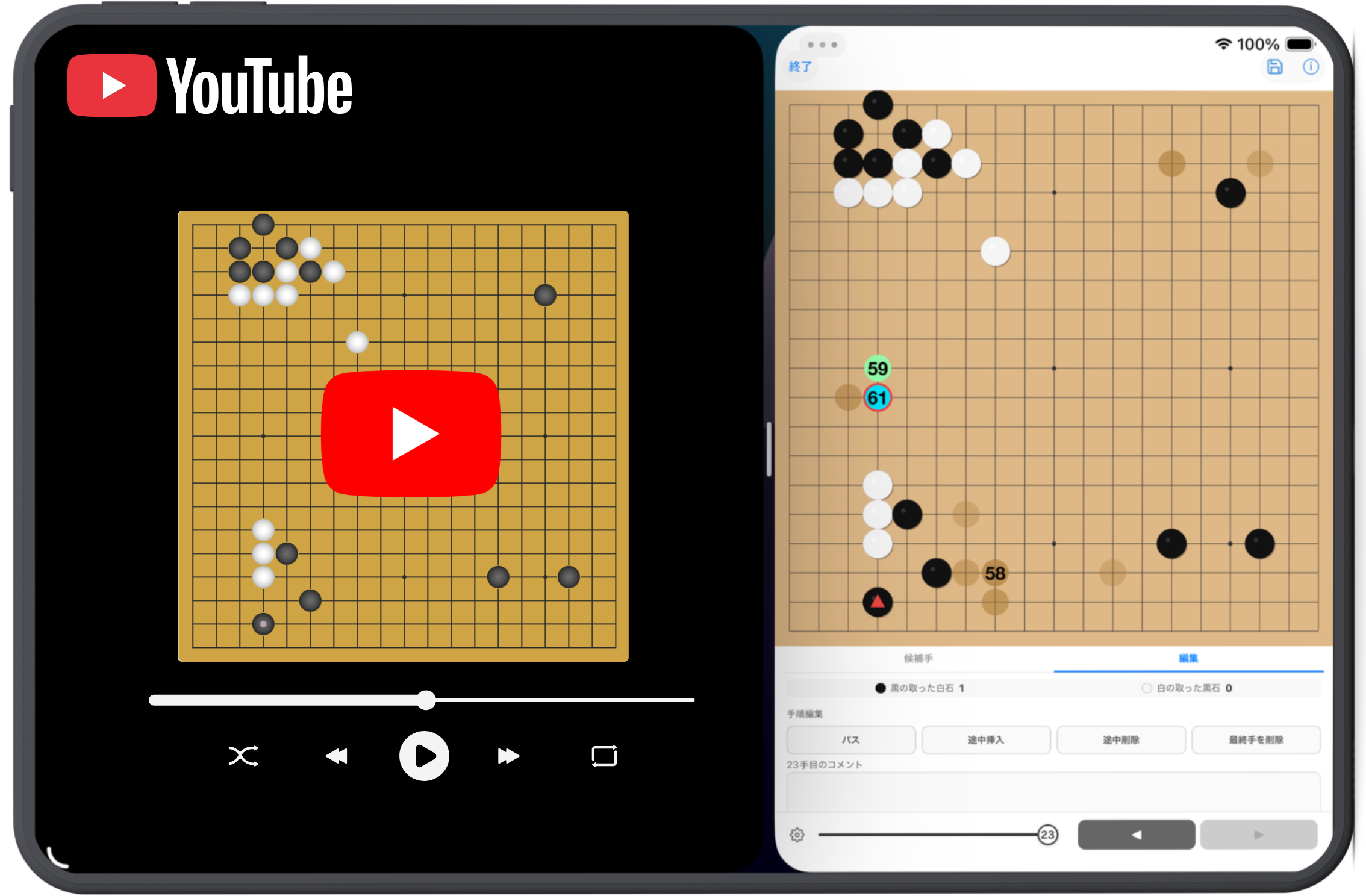
Tips 01
iPad Compatible
Works great not just on iPhone, but on iPad's larger screen too.
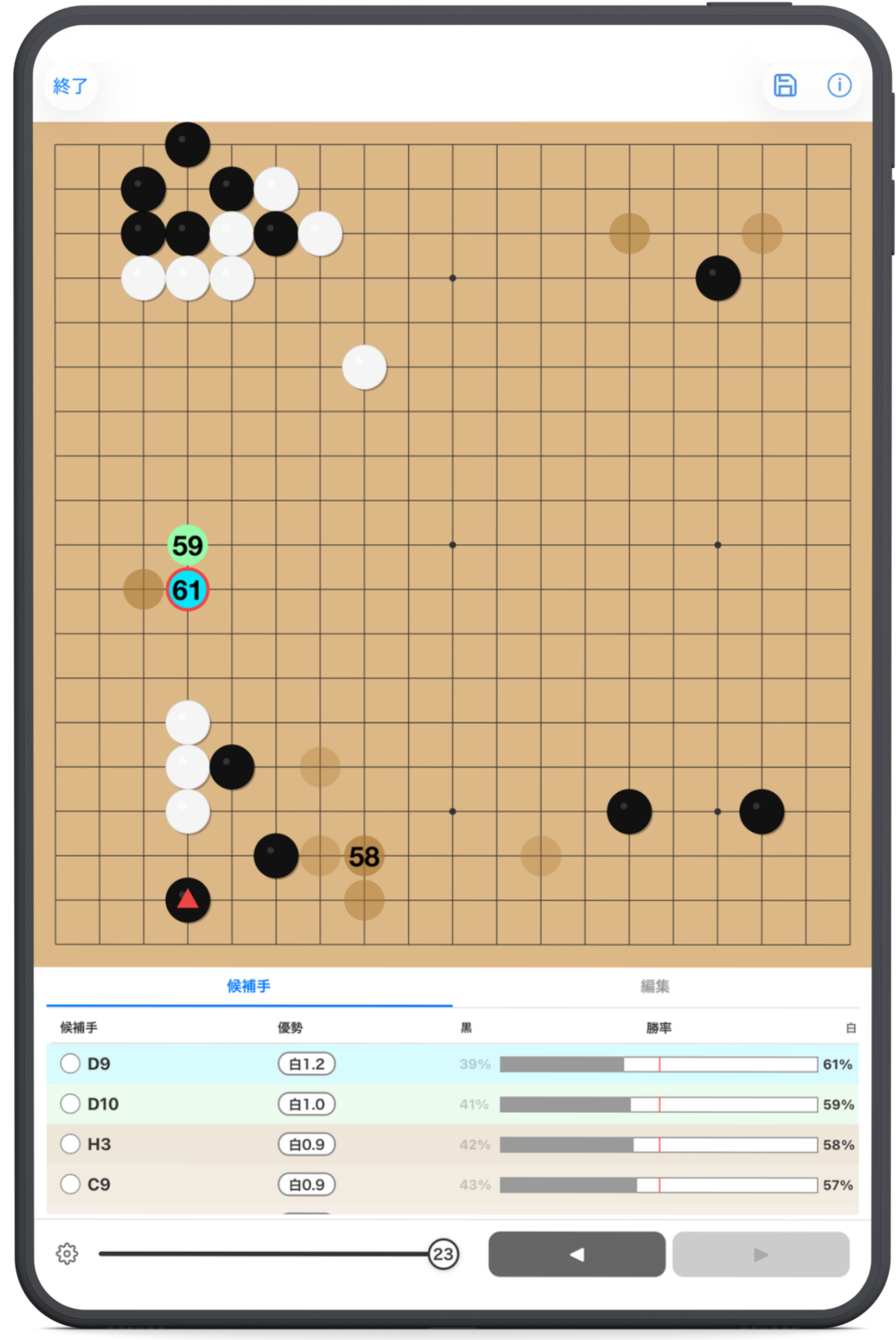
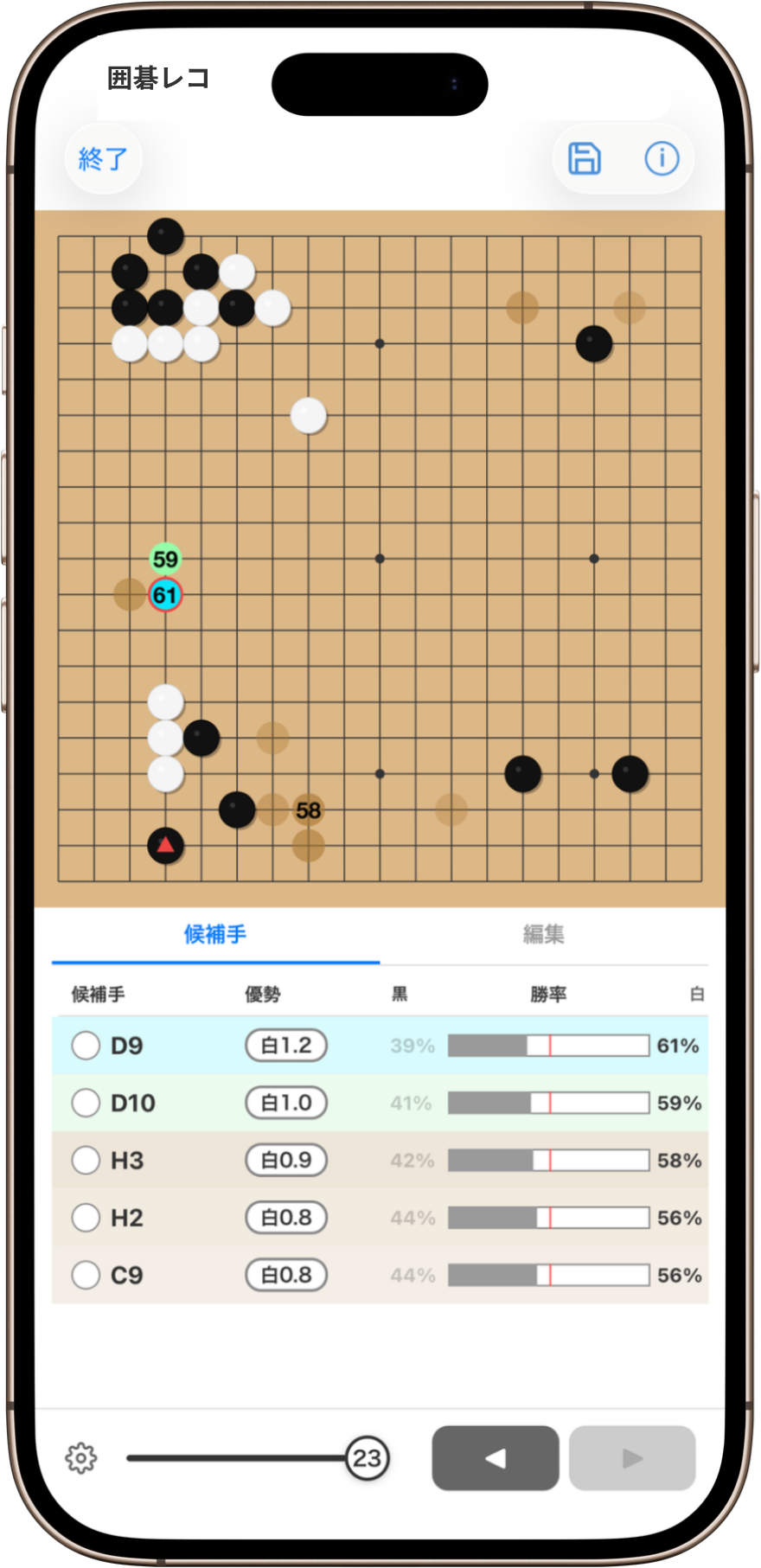
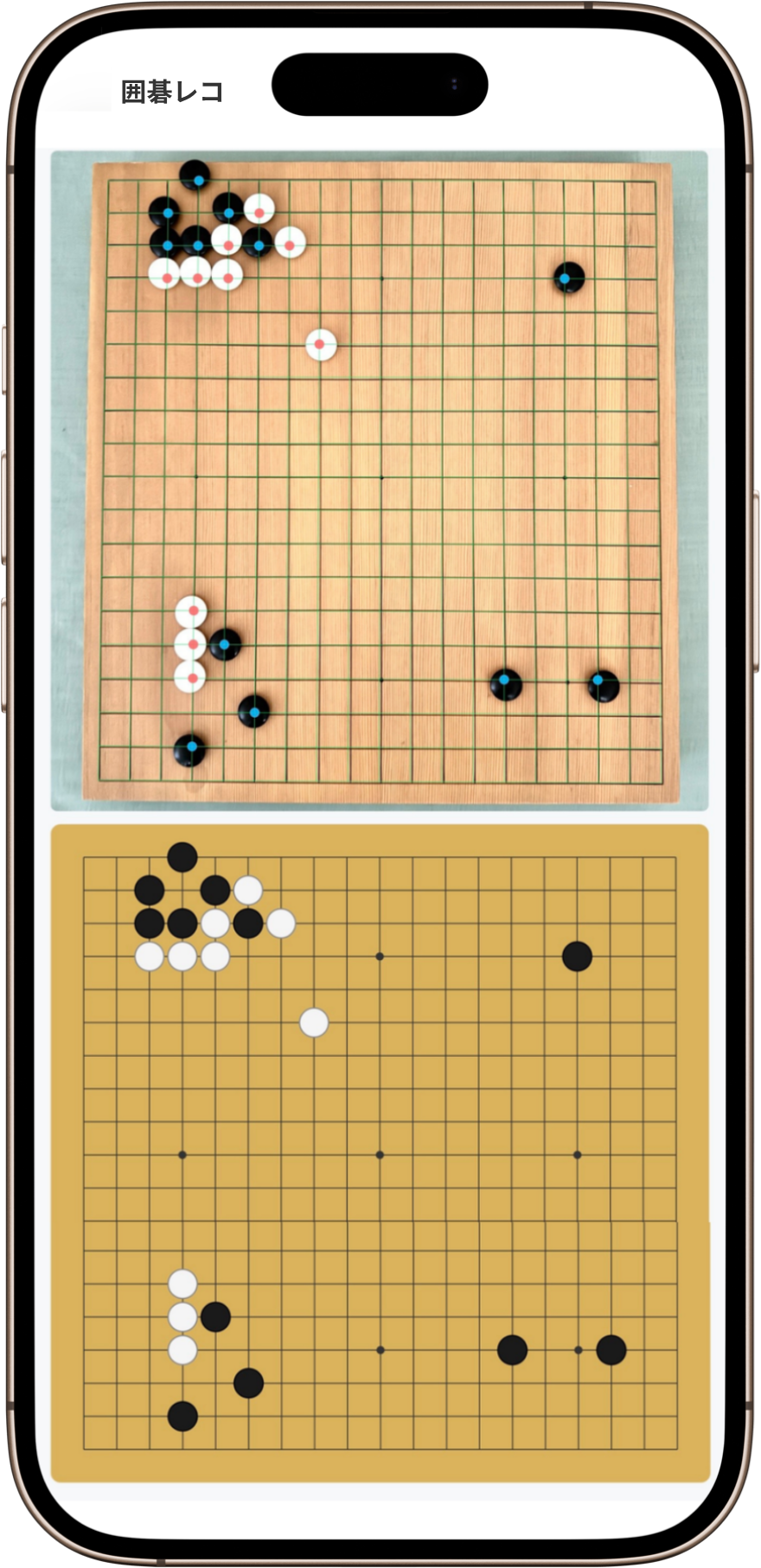
Features
Feature 01
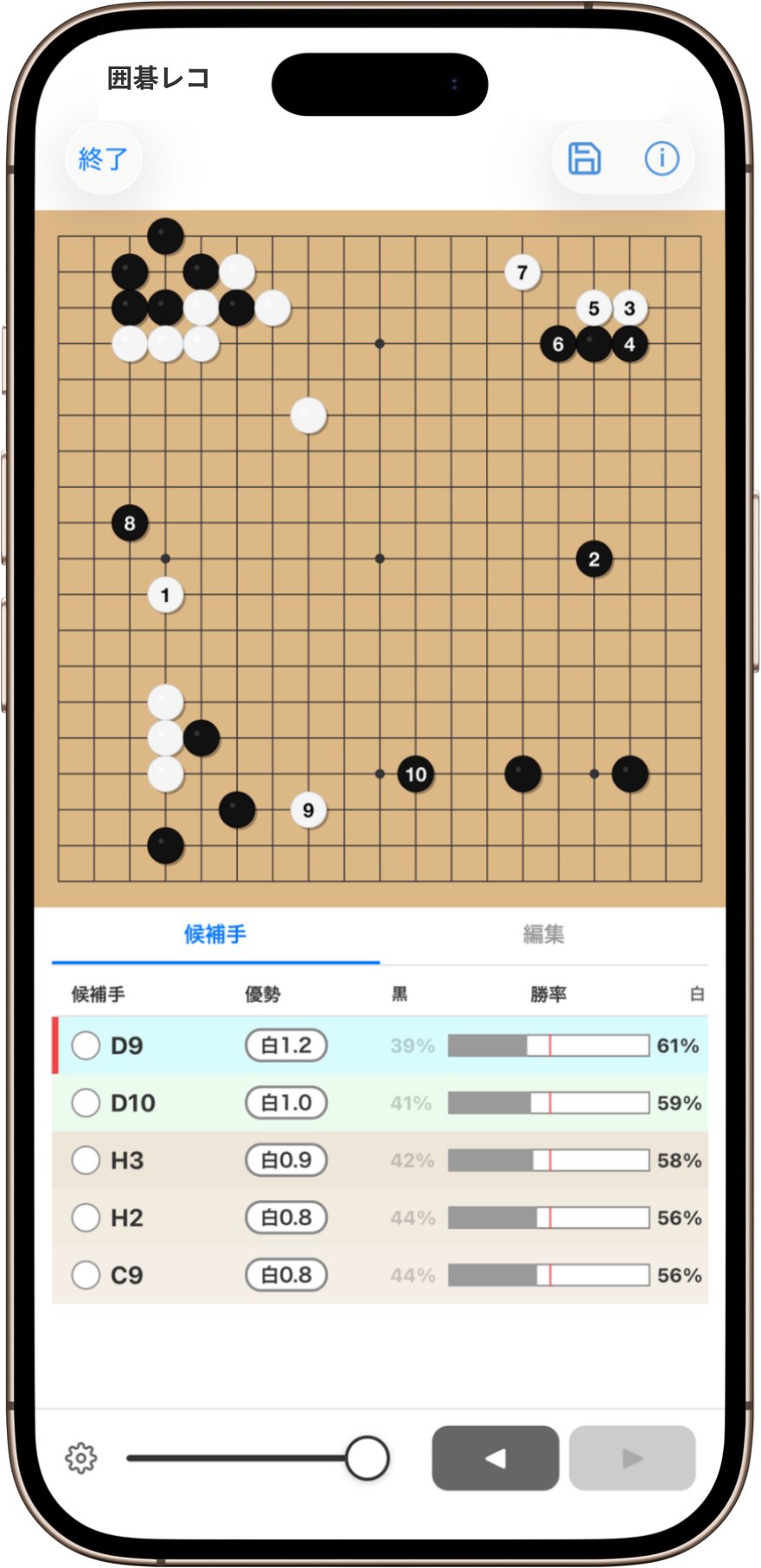
GoKifuAI includes KataGo, one of the most user-friendly Go engines available. It uses your device's processing power to show the best moves, variations, and win rate in real time. No server connection is required, so AI review works even offline.
Feature 02
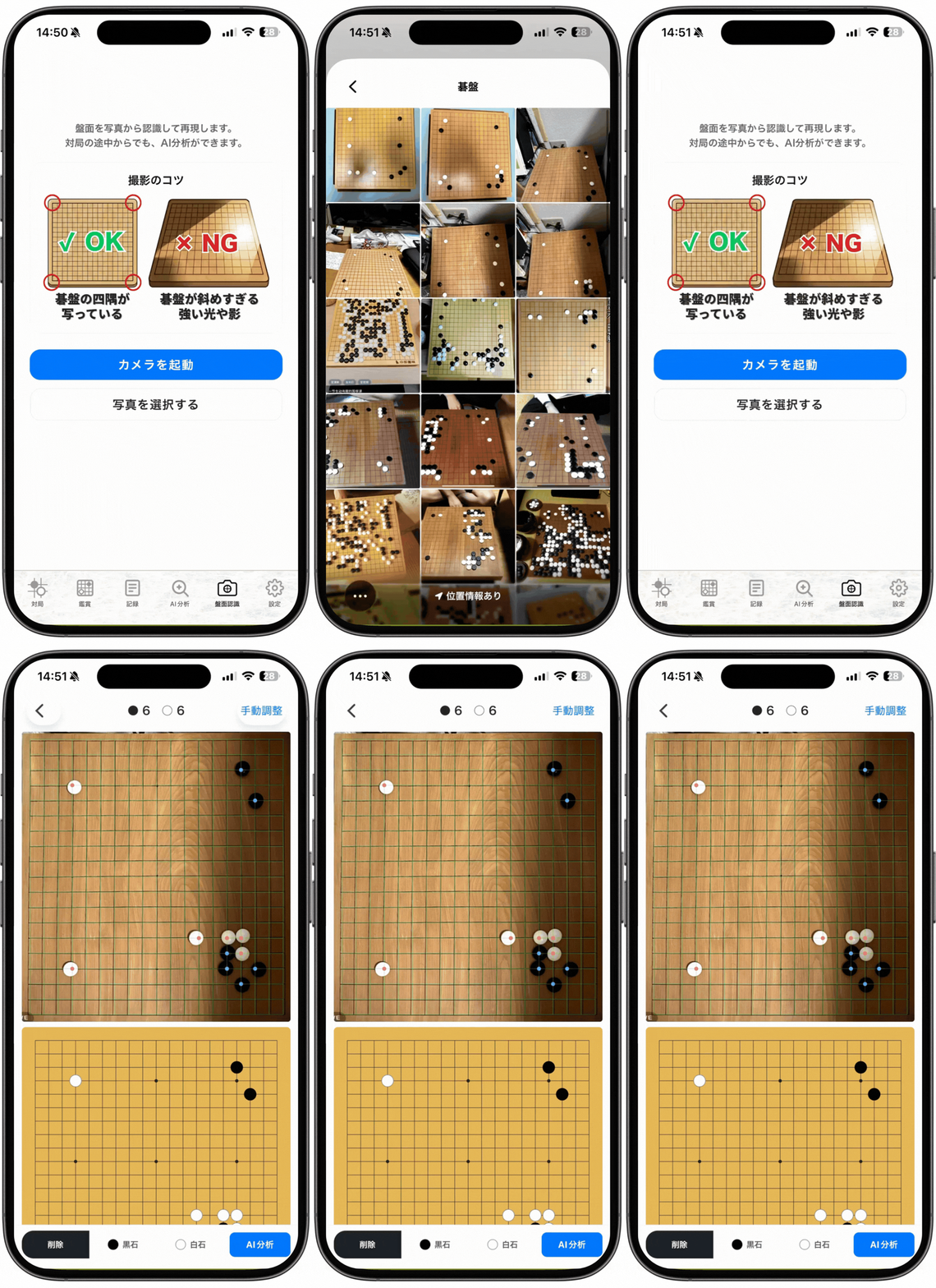
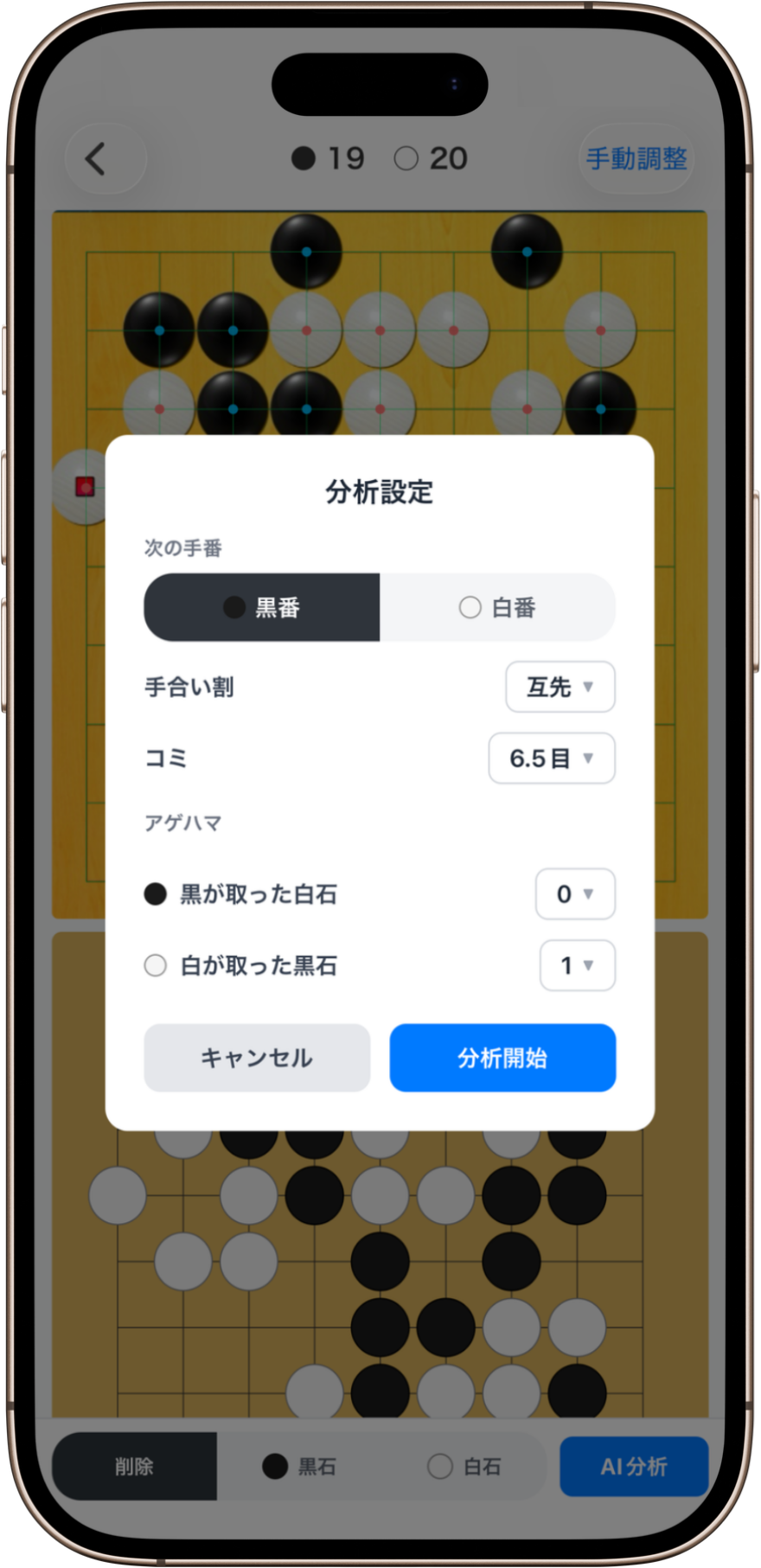
Share a screenshot from an online Go server, or use any image from your photo library or camera — the board position is recognized instantly. Jump straight into AI review without tedious manual input — perfect for post-game analysis. Supports 19×19, 13×13, and 9×9 boards.
Feature 03
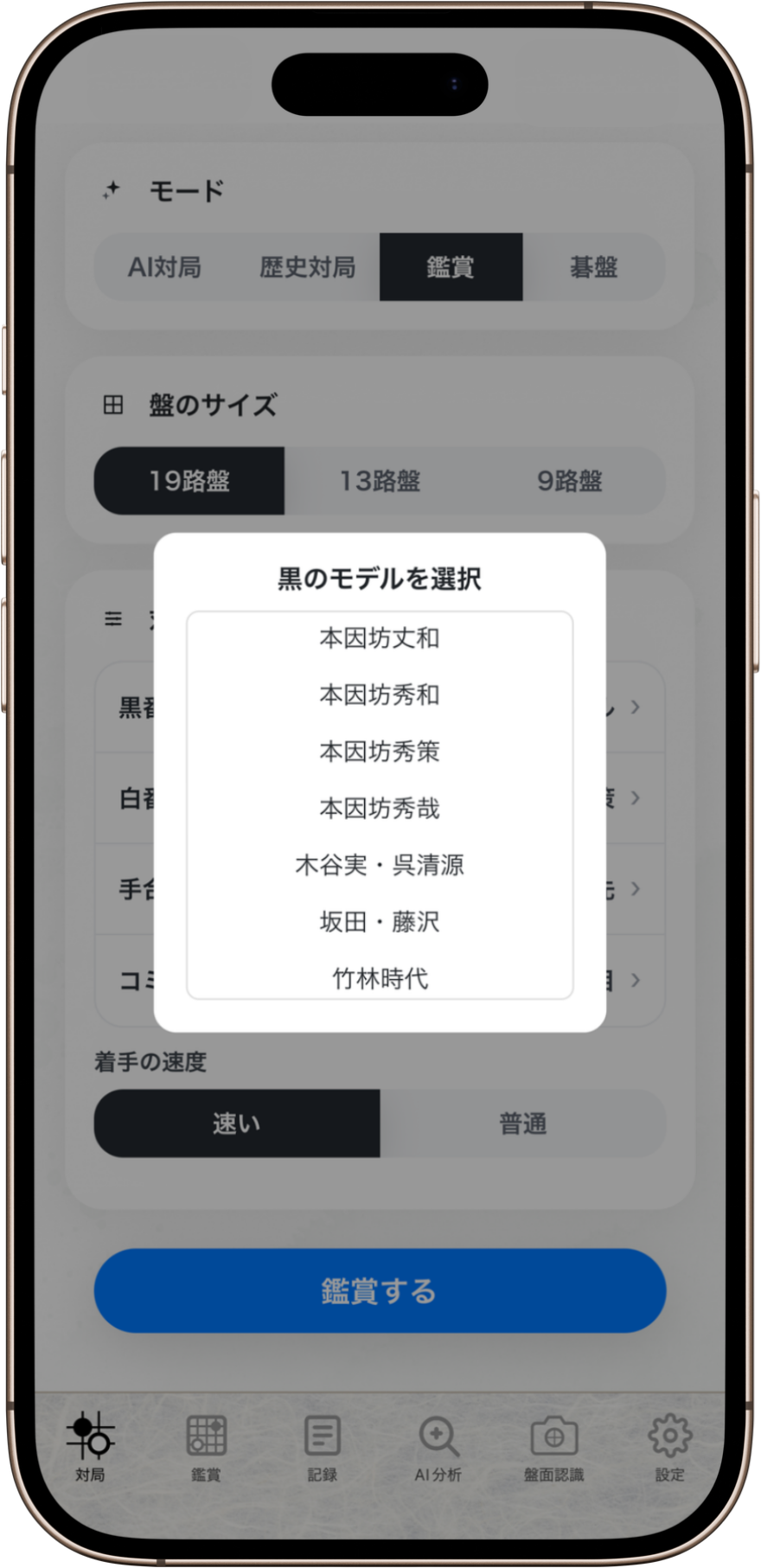
Play against AI trained on the game records of legendary players such as Honinbo Shusaku and Go Seigen. Experience the styles of historical masters firsthand, and watch AI-vs-AI matches between different eras.
* Each era model is trained on games from multiple players of that period, not just one. Enjoy how Go style evolved over time.
Feature 04
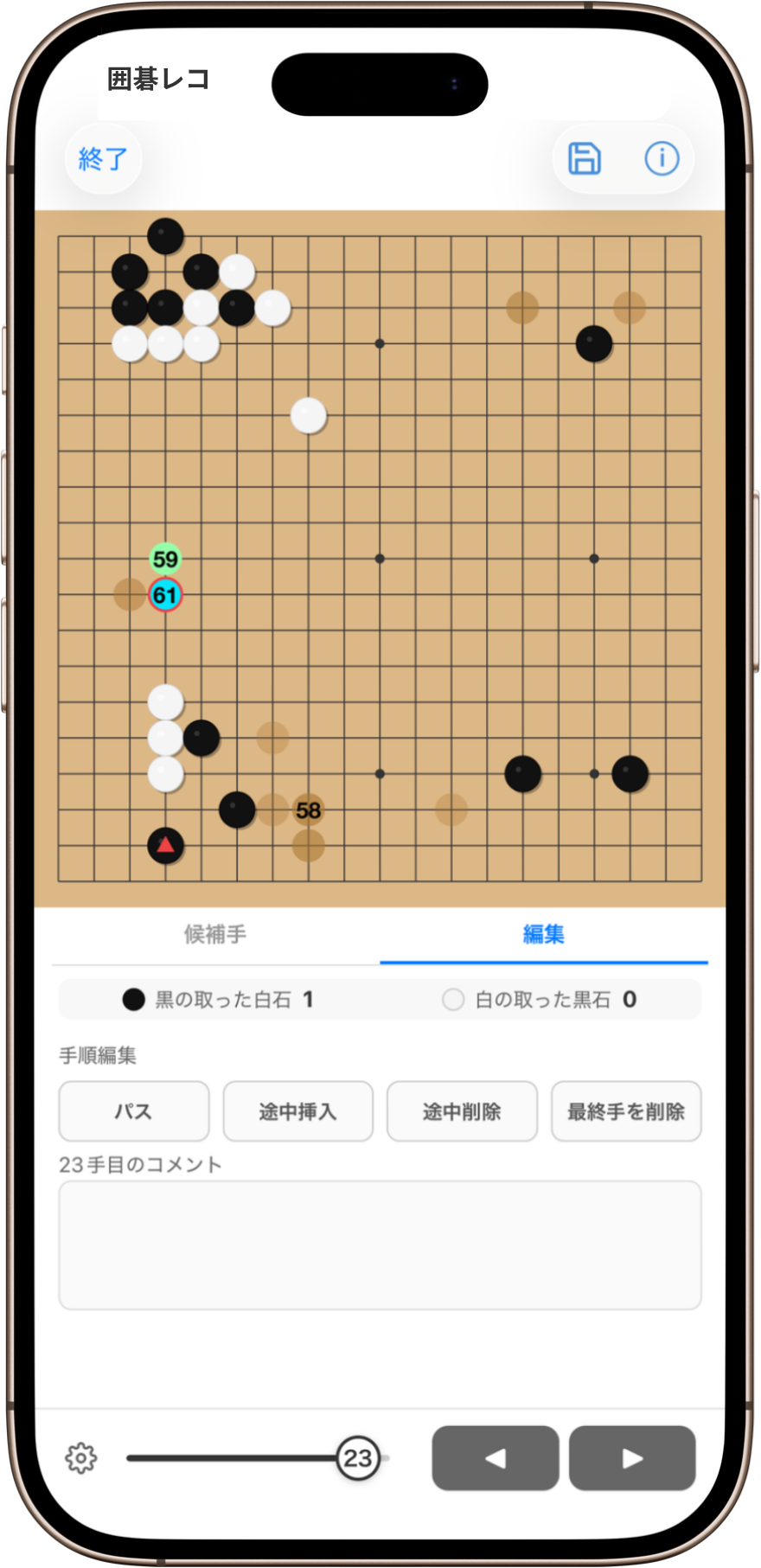
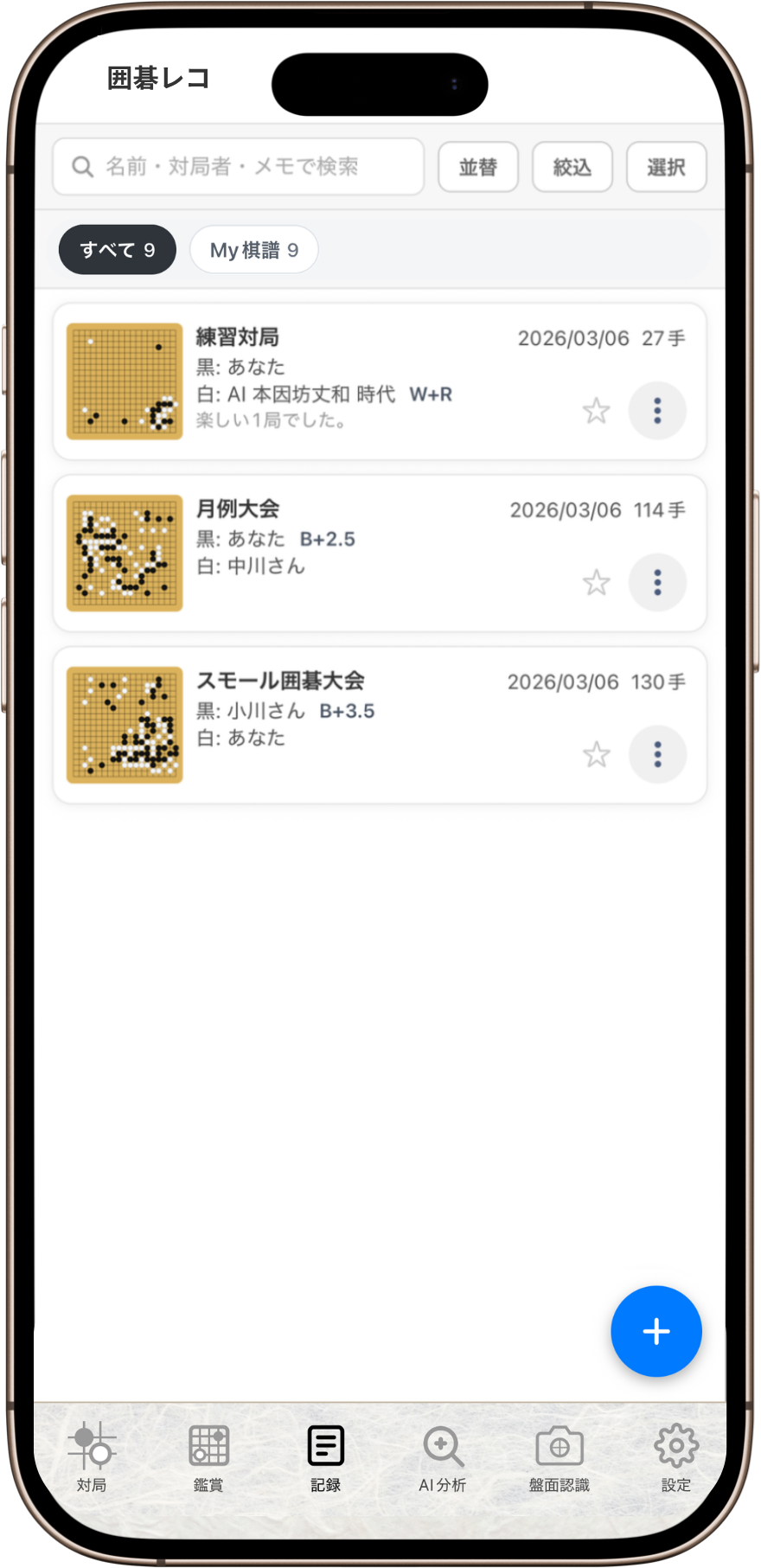
Insert or delete moves anywhere in the sequence, so you can fix input mistakes right where they occur. Sync records to Google Drive or iCloud Drive, with automatic backup available on Google Drive. Supports SGF and can also convert UGI, NGF, and UGF files.
Feature 05
Browse online kifu sites seamlessly from within the app. SGF data on the page is detected automatically, so you can jump straight from a game that catches your eye into AI review.
Pricing
Get unlimited access to every feature for $6.99/month. Start with a 1-month free trial and cancel anytime during the trial at no cost.

Tips
Tips 01
Works great not just on iPhone, but on iPad's larger screen too.
Tips 02
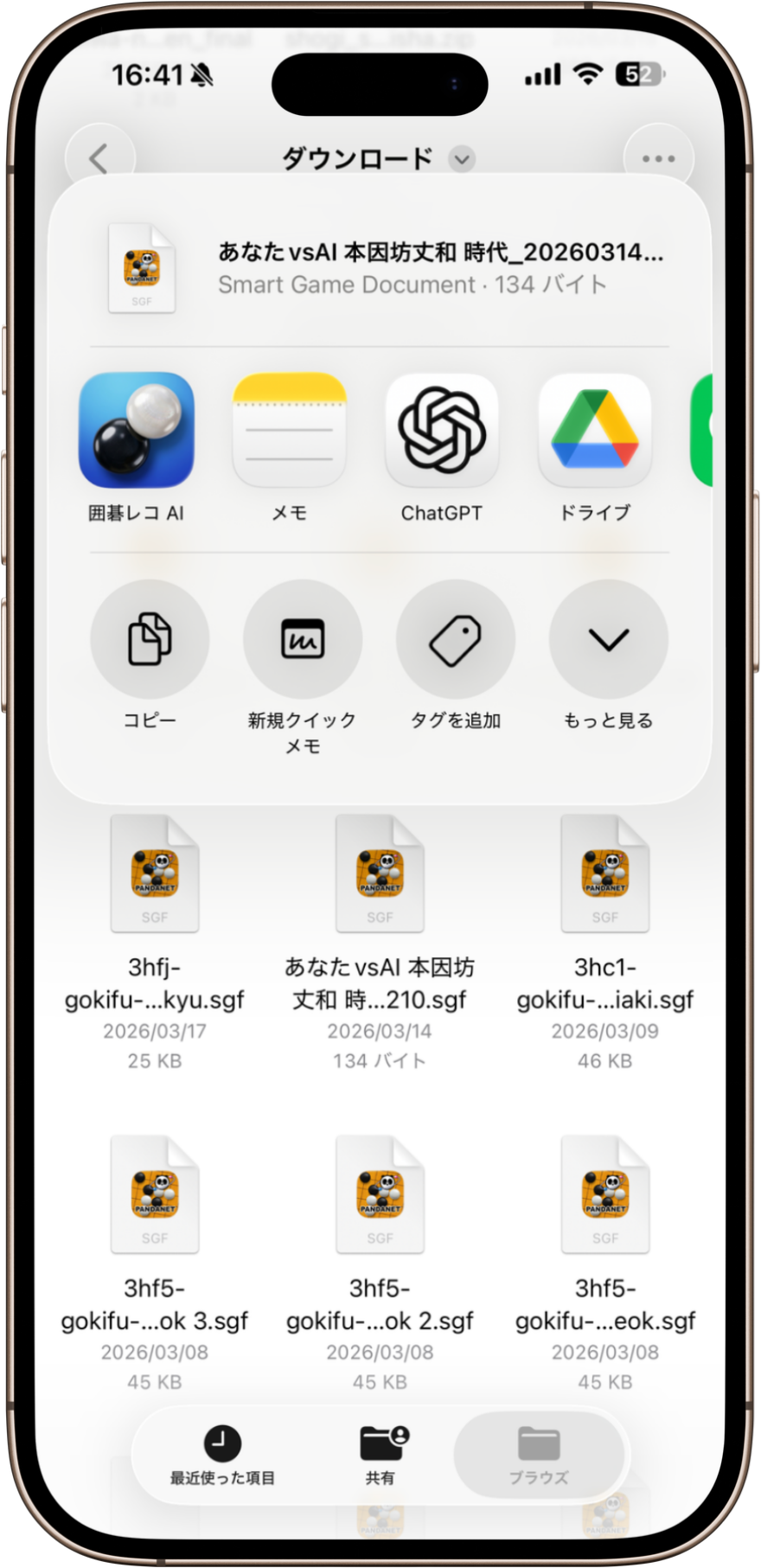
Works with nearly any app that supports sharing, including Files, Go Quest, and more.
Tips 03
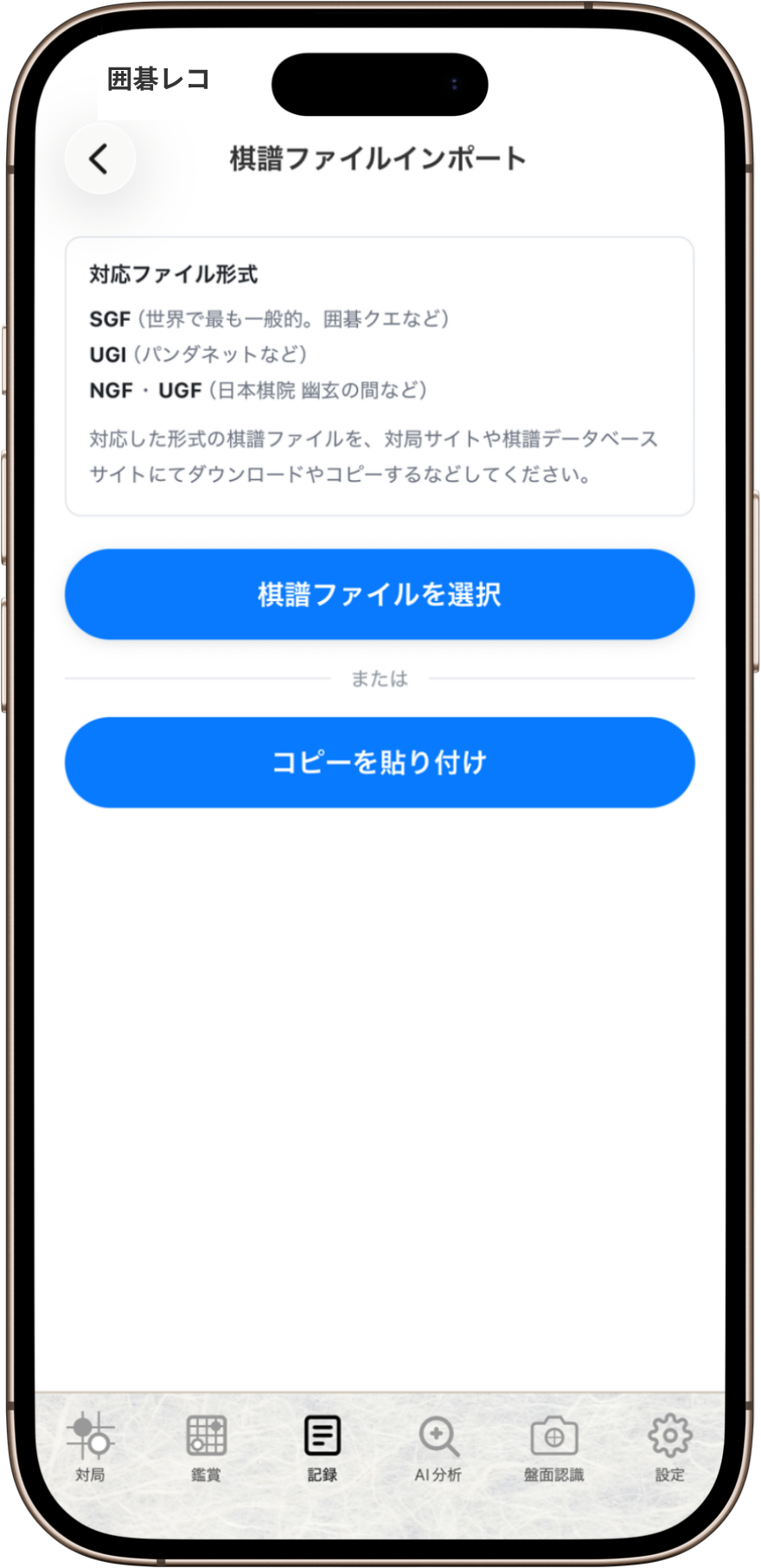
Import game records not only by selecting files, but also by pasting copied data directly.
Tips 04
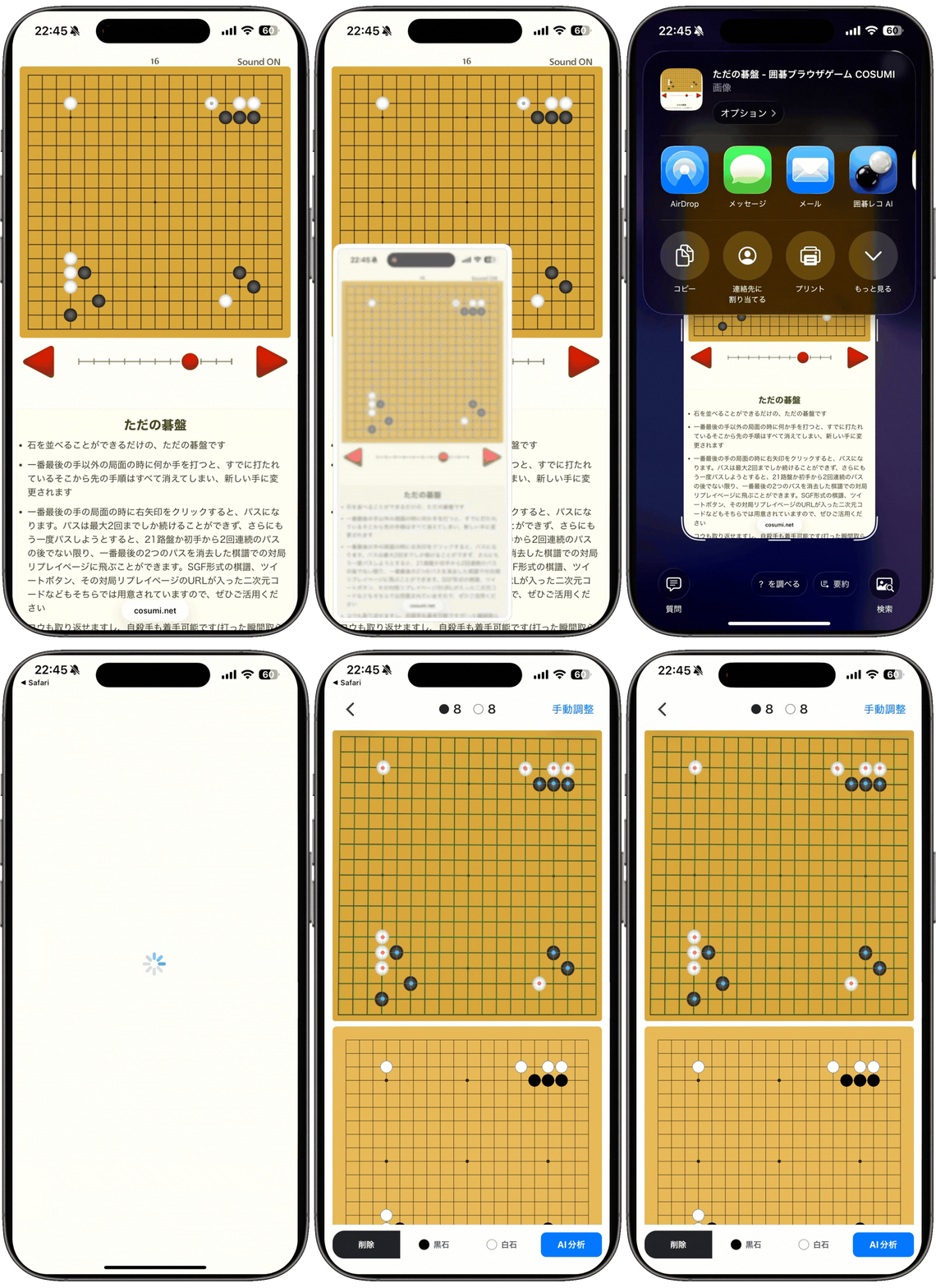
Start board recognition directly from a shared screenshot.
Tips 05
When sharing screenshots from certain Go apps, the last move is detected and captures are counted automatically.
Tips 06
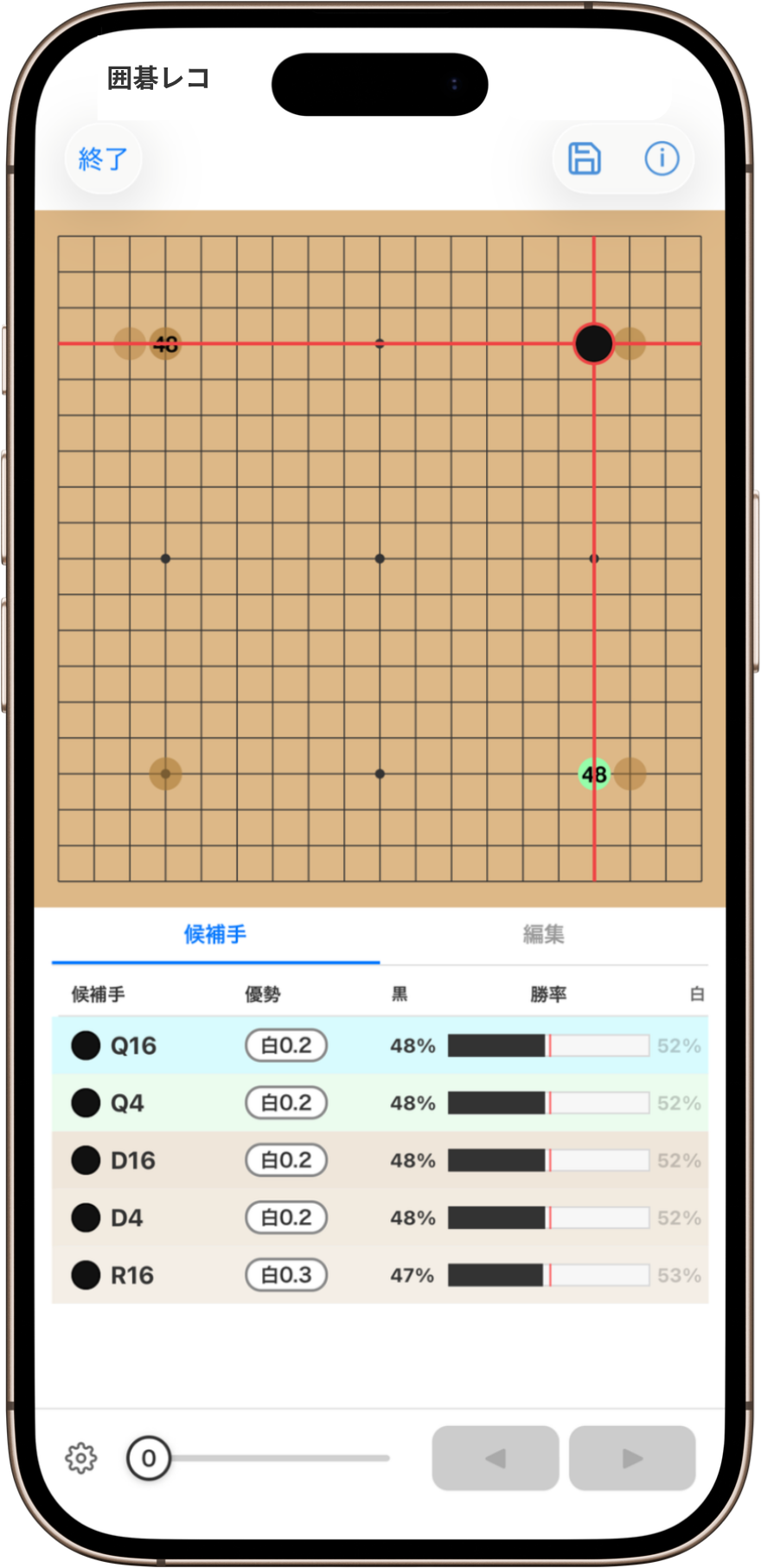
Guide lines and double-tap confirmation help you place stones precisely.
Tips 07
Use GoKifuAI side by side with YouTube or a live stream in iPad Split View.